Bridge the Gap: Why Convert JSON to CSV?
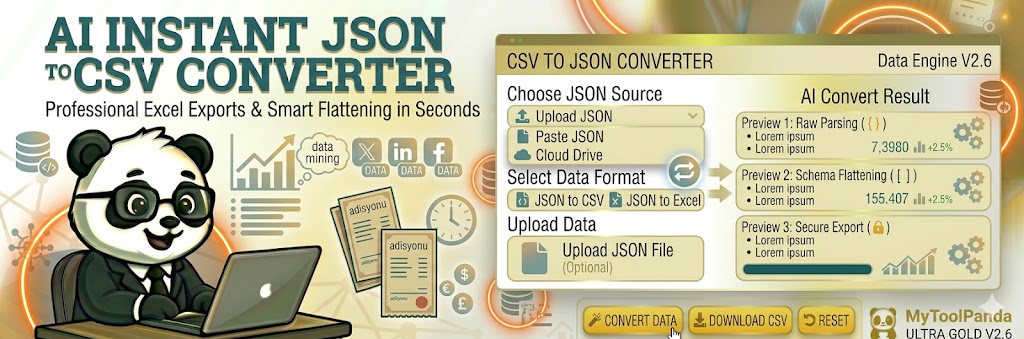
JSON is the heartbeat of modern web development, but CSV remains the king of data analysis and business reporting. Whether you are an analyst trying to open a database export in Microsoft Excel or a marketer importing lead data into a CRM, our Professional JSON to CSV Converter is the ultimate bridge. We take complex, nested JSON objects and flatten them into a clean, tabular format that is ready for pivot tables and data visualization.
Secure and Instant Data Processing
At MyToolPanda, we prioritize your data privacy. Our Flattening Engine V2.6 performs all calculations directly in your browser. This means your sensitive JSON data is never uploaded to a server, ensuring 100% security for corporate and personal datasets. According to JSON.org, the format is lightweight and easy for machines to parse, but converting it to CSV makes it human-readable and compatible with legacy software.
Pro Analysis Tip: Handling Nested Data
If your JSON contains nested objects or arrays, our tool uses Smart Flattening to map them to unique columns. To maintain data integrity in Excel, always ensure your JSON keys are consistent across all objects in your array before starting the conversion.